From 3D characters to cinematic AI videos: a creator workflow with Tripo and Mootion
Last updated: 05/28/2026
AI video creation is becoming increasingly workflow-driven. Instead of relying on a single platform, creators are now combining multiple AI tools together to build scalable production pipelines. For creators producing cinematic AI videos, AI trailers, and social-first content, workflow speed and creative flexibility have become major advantages.
Today, many creators separate the production process into two stages:
- visual asset generation
- cinematic storytelling and animation
In this blog, we'll walk through a practical workflow using Tripo for AI-powered 3D character generation and Mootion for cinematic video creation.
This workflow works especially well for:
- TikTok creators
- YouTube Shorts creators
- AI filmmakers
- anime creators
- indie storytellers
- faceless content creators
Why AI Creator Workflows Matter
Most creators no longer use a single platform to complete an entire production pipeline. Instead, they combine generation tools, animation tools, and storytelling systems.
This modular approach allows creators to iterate faster, scale content production, and experiment more efficiently. For short-form creators, production speed often directly impacts growth.
Creators who can rapidly prototype visuals, test different storytelling structures, and publish consistently tend to perform better across social platforms. That's why workflow-based AI creation is becoming increasingly important.
Part 1: Creating 3D Assets with Tripo
What Is Tripo?
As AI continues to reshape 3D rendering, asset creation is becoming faster and more accessible as well. Instead of building every model manually from scratch, creators can now use an AI 3D model generator to turn text prompts or reference images into usable 3D assets. This can help speed up the early stages of 3D production, especially when creating characters, props, product concepts, environment objects, game assets, or stylized visual elements.
For beginners, this lowers the technical barrier to entering 3D creation. For experienced artists and production teams, it can shorten ideation, prototyping, and asset exploration before final refinement.
Tripo is an AI-powered tool that allows users to generate detailed 3D characters from simple text prompts or image references. With its intuitive interface and robust modeling capabilities, Tripo is designed for creators who want to prototype or create unique character designs quickly.
This helps accelerate the early stages of production when creating:
- characters
- props
- environment assets
- stylized visual elements
- cinematic concept scenes
For beginners, this lowers the barrier to entering 3D creation workflows. For experienced creators, it speeds up ideation and visual prototyping.
Smart Mesh for Production-Ready Assets
One of the biggest advantages of AI-generated 3D assets is workflow efficiency. Tripo helps creators generate:
- clean topology for easier editing
- rendering-friendly structures
- reusable scene components
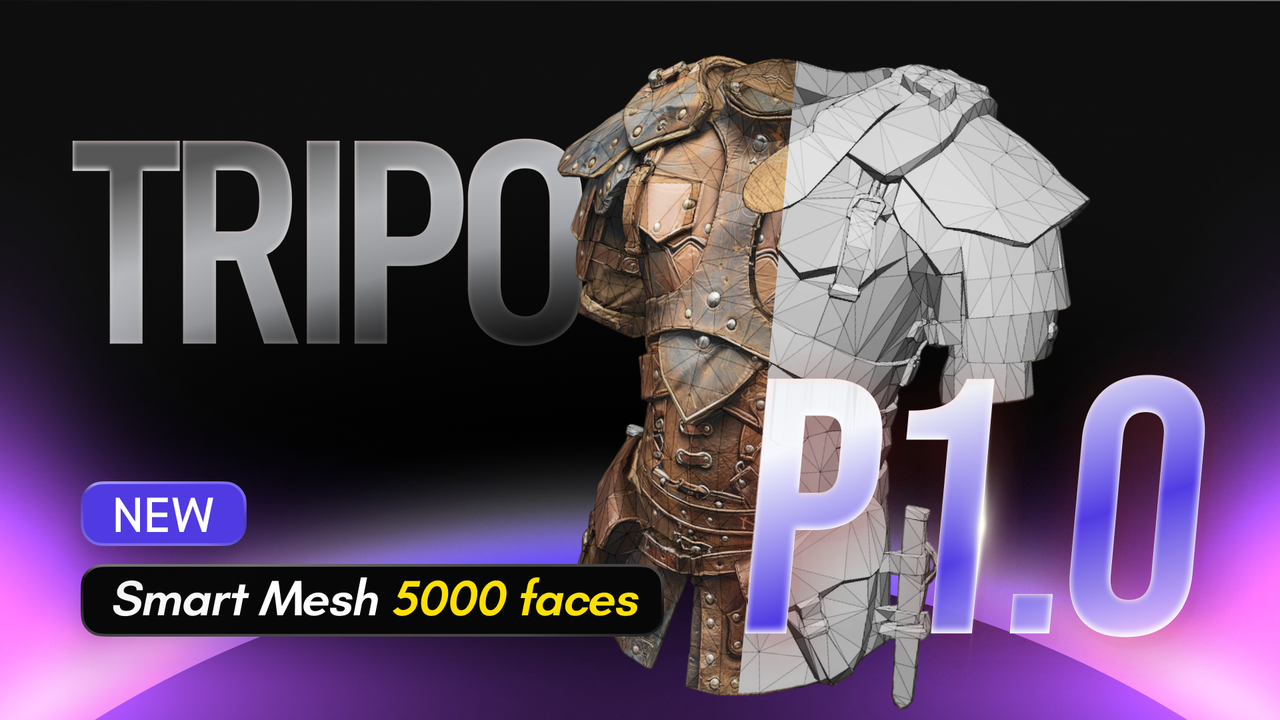
This improves compatibility across:
- Blender
- Maya
- Unity
- Unreal Engine
- Godot
For creators producing cinematic AI videos or animated storytelling content, workflow-ready assets can significantly reduce production time.
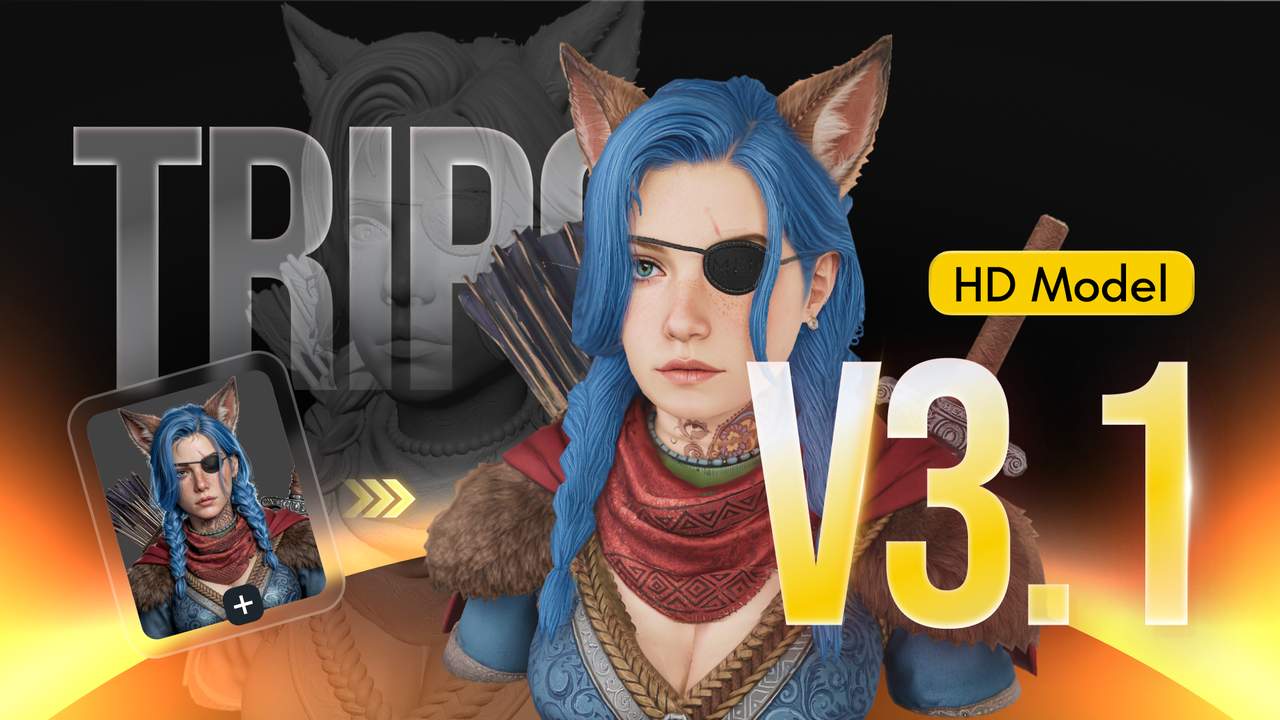
How to Create a 3D Character in Tripo
Creating a 3D character in Tripo Studio is simple and fast. Users can either enter a detailed text prompt or upload a concept image to start the generation process. For best results, define the character's appearance, clothing style, personality, and overall visual theme clearly — such as "cyberpunk female hacker with neon jacket and holographic accessories" or "anime-style fantasy mage with glowing staff and silver armor."
Once the prompt or image is uploaded, Tripo's AI-powered text-to-3D or image-to-3D model workflow automatically generates a stylized 3D character complete with geometry and textures within seconds. Users can then refine the result, regenerate variations, and export the final model in formats such as GLB, FBX, or GLTF for use in Blender, Unity, Unreal Engine, VRChat, games, XR experiences, or creative production workflows.
Part 2: Turning 3D Visuals into Cinematic Videos
Once visual assets are ready, the next stage is turning them into motion-driven storytelling content. Creators can upload generated visuals into Mootion and transform static assets into:
- cinematic short videos
- anime edits
- AI trailers
- vertical storytelling content
- narrative-driven scenes
There are two common workflows creators use.
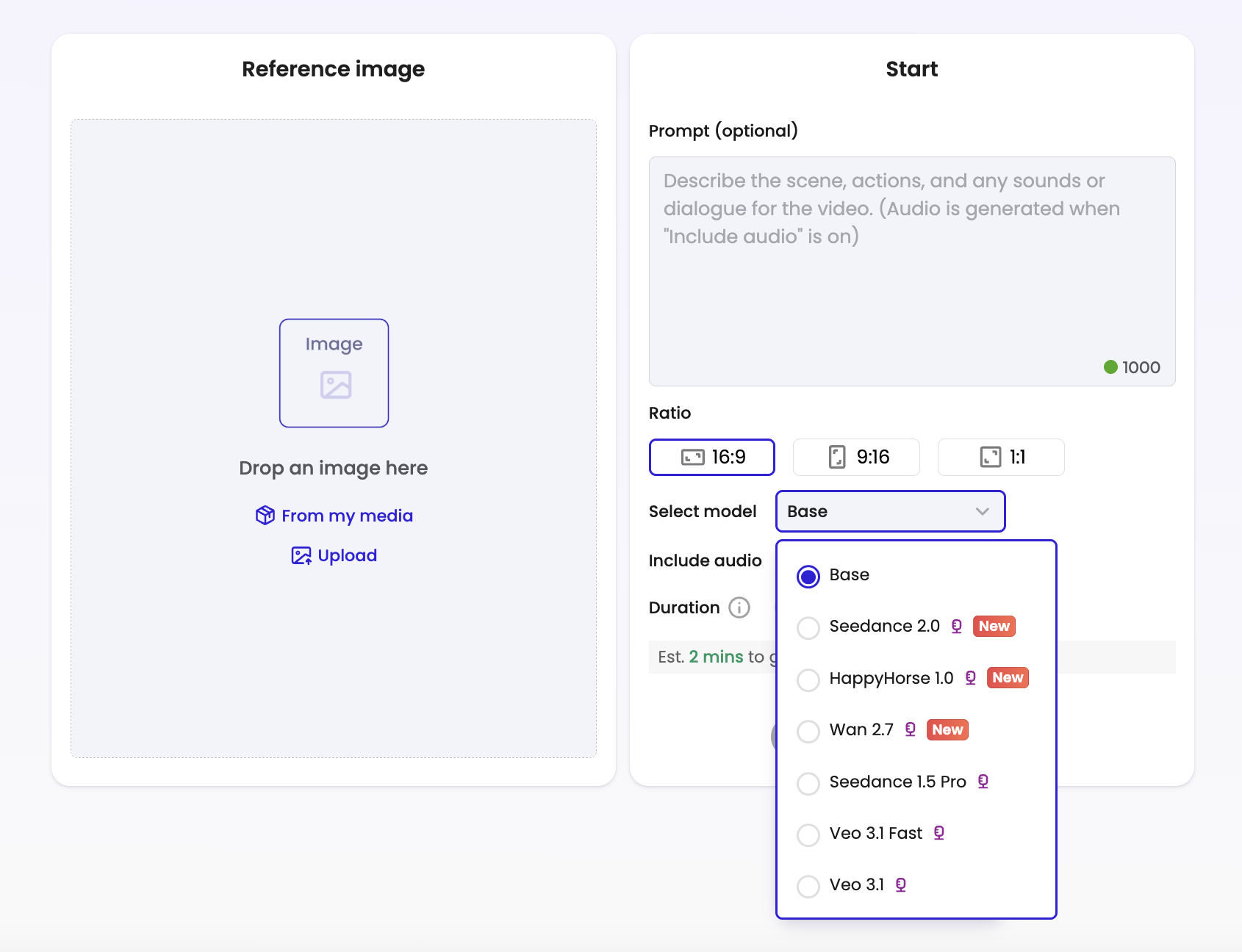
Option 1: Image-to-Video Workflow
Upload visual assets directly into the Image-to-Video workspace. Creators can then:
- add scene prompts
- select generation models
- customize cinematic styles
- generate animated sequences
Option 2: Main Creation Workflow
For more advanced storytelling workflows, creators can organize multiple scenes together and configure:
- transitions
- title & subtitles
- voiceover
- AI music
Different models can also be selected for different scenes depending on creative needs.
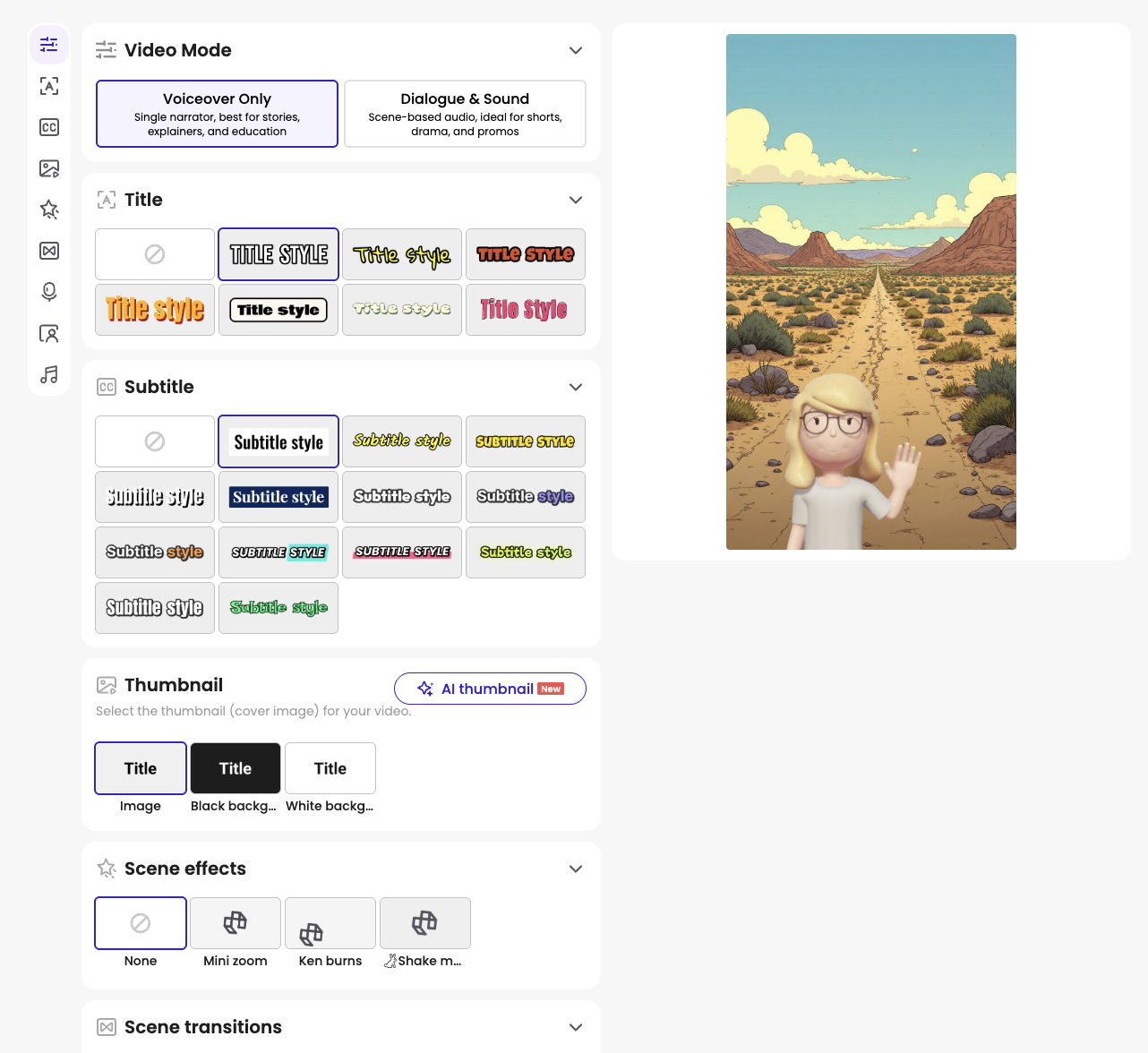
Cinematic Animation
Creators can configure:
- scene transitions
- subtitle styles
- voiceover
- thumbnails
At the end of the workflow, creators can export HD videos optimized for:
- TikTok
- YouTube Shorts
- Instagram Reels
- cinematic AI storytelling
Suggested Creator Workflow
A simple workflow may look like this:
- Generate 3D assets in Tripo
- Select the strongest visual sequence
- Import visual assets into Mootion
- Adjust captions and scene duration
- Configure transitions, voiceover, music, and cinematic styles
- Export final video formats
The combination of AI-powered asset generation and cinematic storytelling significantly reduces production time compared to traditional creative pipelines.
Conclusion
AI video creation is becoming increasingly workflow-oriented. Instead of relying on a single platform, creators are combining specialized tools to build scalable production systems. Using Tripo for AI-powered 3D asset generation and Mootion for cinematic storytelling allows creators to move from concept to publish-ready videos much faster.
As creator workflows continue evolving, modular AI production pipelines will likely become a core part of digital storytelling.
FAQ
Can beginners use this workflow?
Yes. Both Tripo and Mootion significantly reduce technical barriers compared to traditional animation and 3D software.
What types of creators benefit most from this workflow?
AI filmmakers, anime creators, TikTok creators, indie storytellers, and faceless content creators.
Is this workflow suitable for TikTok and Reels?
Yes. The workflow is especially optimized for vertical short-form video production.
Why combine multiple AI tools instead of using one platform?
Different AI tools are often optimized for different stages of the creative process. Combining them creates more flexibility and faster production workflows.