How to Share Your Video to YouTube with Mootion
Last updated: 10/16/2026
Want to publish your videos on YouTube faster?
Now you can do it right from Mootion’s New Workflow.
Step 1. Finish Your Video
Create your video in Mootion and get it ready to publish.
Step 2. Click “Share”
Choose ‘Share’ in your New Workflow to get started.
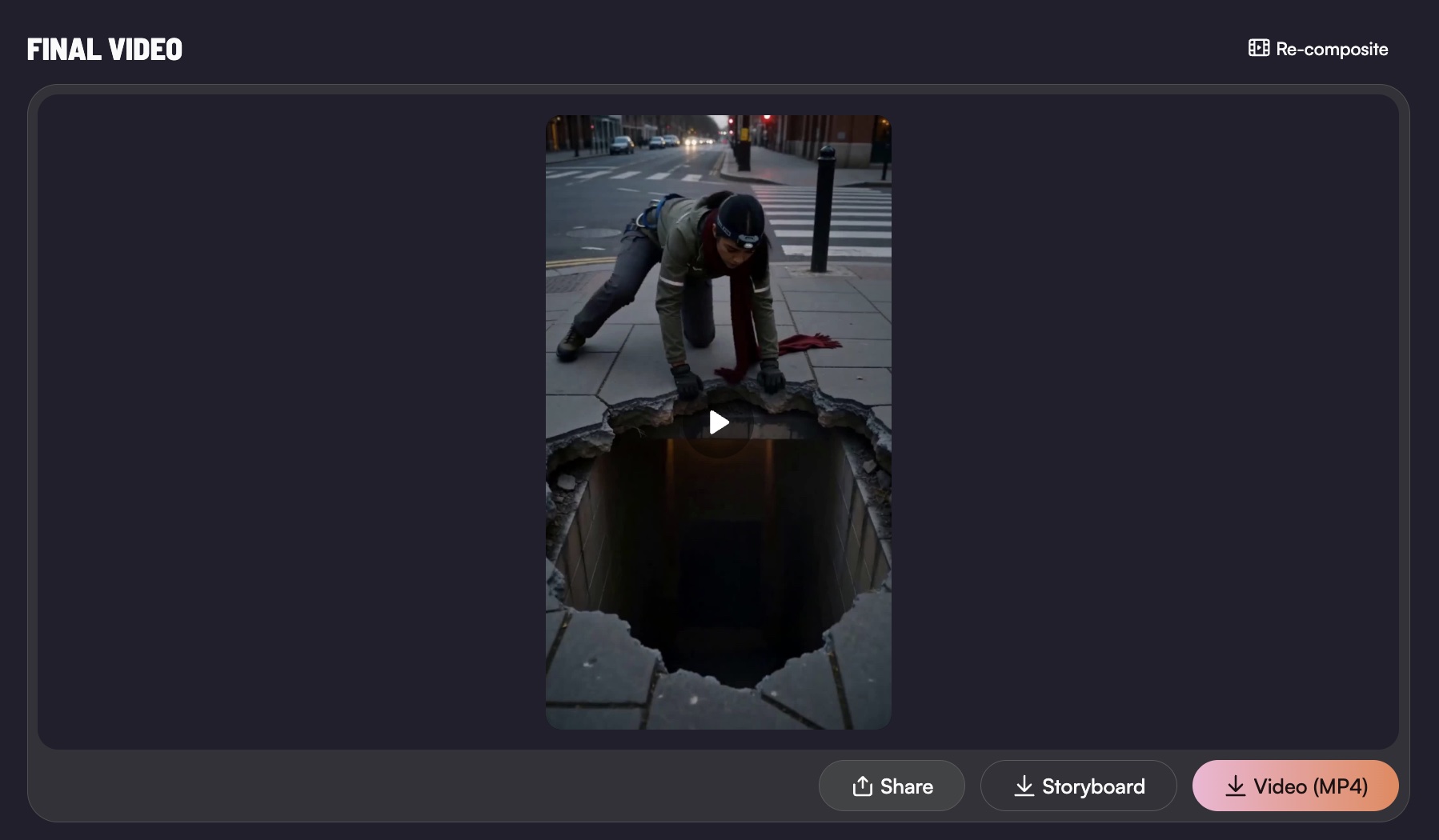
Step 3. Let AI Do the Writing
Mootion automatically generates a YouTube title, description, and tags for your video.
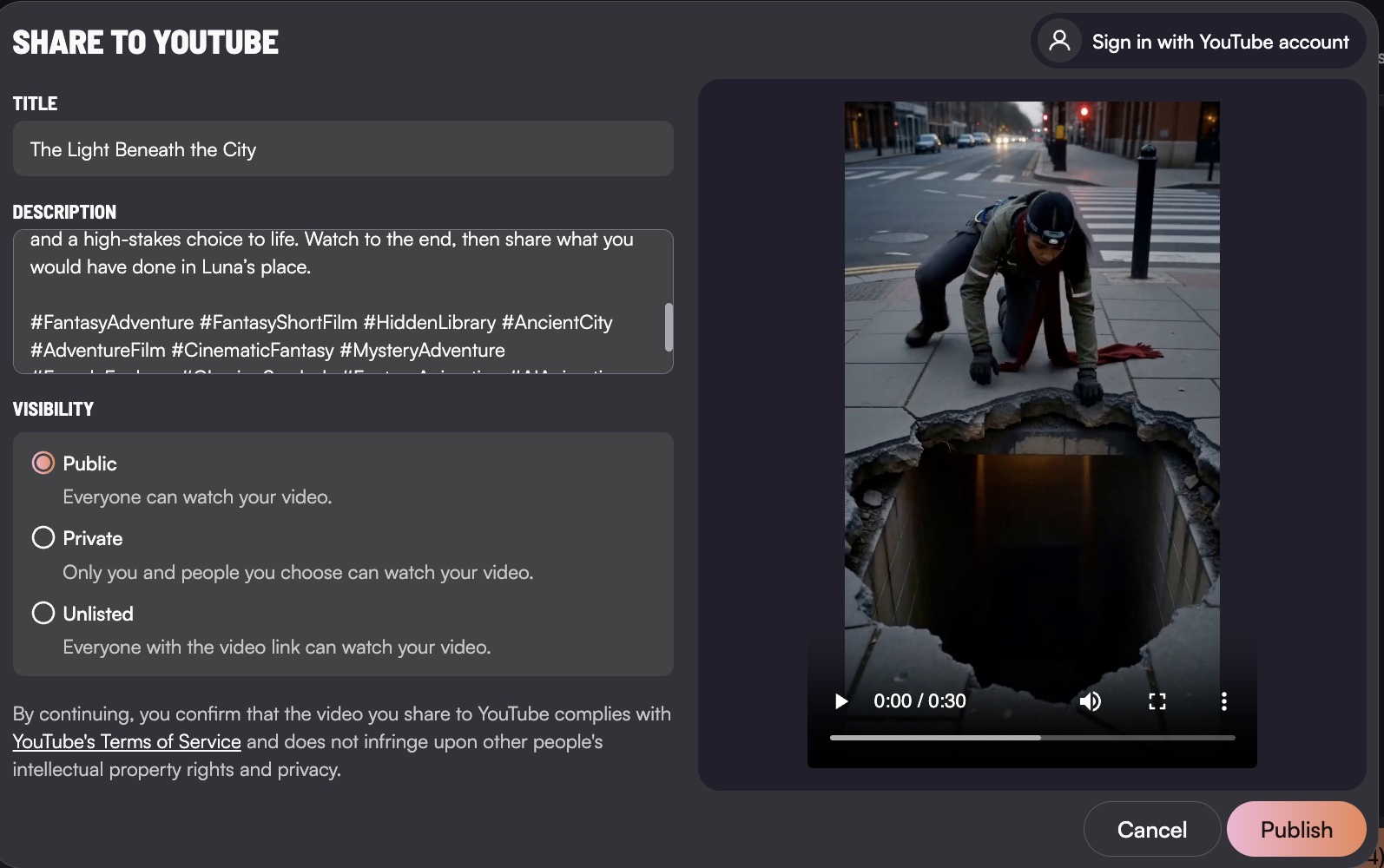
Step 4. Review & Customize
Edit the details, rewrite them, or keep them as they are, and then choose visibility. You’re in control.
Step 5. Publish to YouTube
Happy with everything? Hit Publish and share your video on YouTube.
That’s it! Create, review, and publish — all in one workflow.
Less busywork. More time creating. 🎬