How to Reuse Characters Across Projects in Mootion
Last updated: 10/16/2026
Want to bring your favorite characters into new stories without recreating them from scratch?
With Mootion's Character Library, you can reuse saved characters across different projects and bring multiple characters into a single story.
Note: The Character Library is currently available in Director Mode only.
How to Use the Character Library
Step 1: Open Director Mode
Start creating a story in Director Mode.
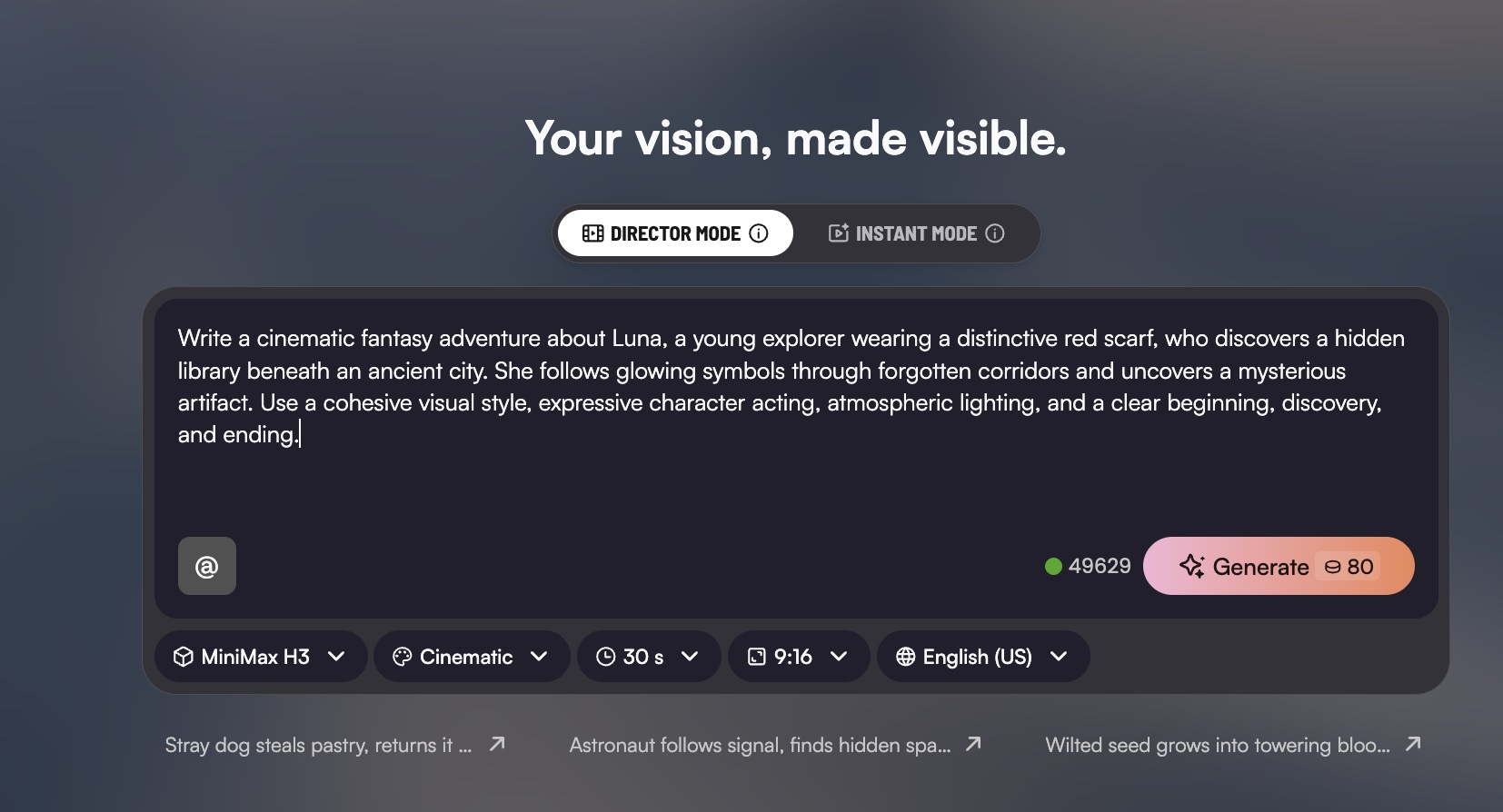
Step 2: Open the Character Lists
Access your Character List to view your previously saved characters.
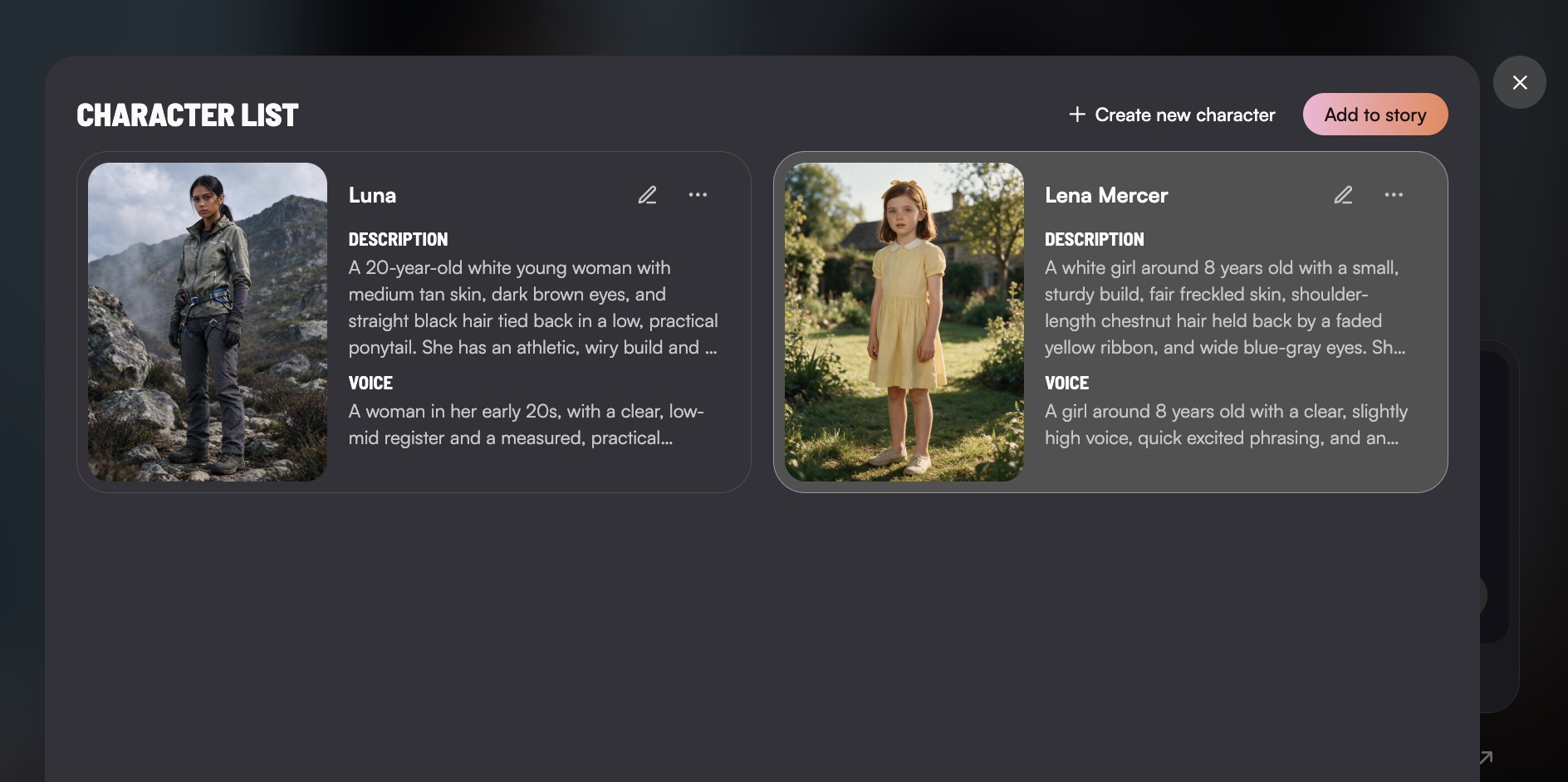
Step 3: Select Your Characters
Choose the saved character or characters you want to include in your story. You can select multiple characters for the same story.
Step 4: Create Your Story
Click 'Add to story', and continue building your story with your selected characters and generate your video.
Create More with the Characters You Love
From recurring characters to entirely new adventures, your saved characters can become part of more stories across your projects.
Create once. Reuse across projects. Tell more stories with Mootion.
▶️ Watch the video tutorial above for a step-by-step walkthrough.